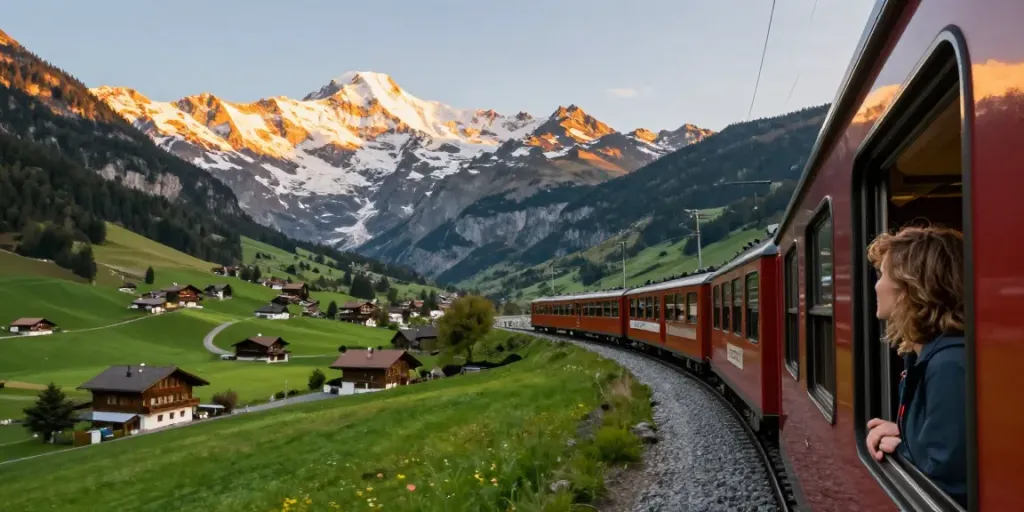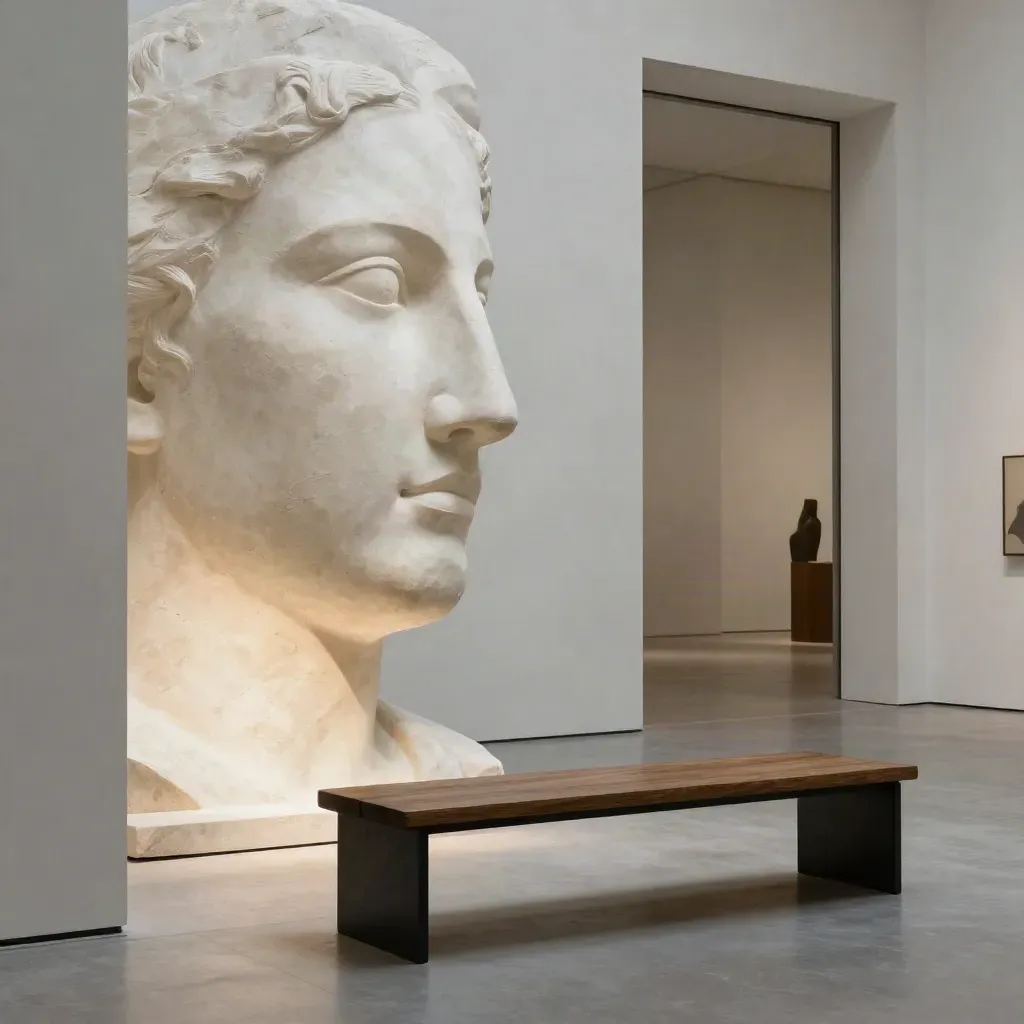
Museum guide
Museums Worth the Detour
Big names, small rooms, and tips for a faster visit.
FROM THE JOURNAL
Read arts news, museum guides, festival picks, and city culture lists from New York to Seoul. Get clear tips, quick facts, and event dates in one place.
FEATURED STORIES
Big names, small rooms, and tips for a faster visit.
Museum guide
Big names, small rooms, and tips for a faster visit.
Festival watch
People
Key pavilions and quick planning tips.
Workshops, showrooms, and city stops to pair with it.
After-dark hours, easy routes, and a good food stop.
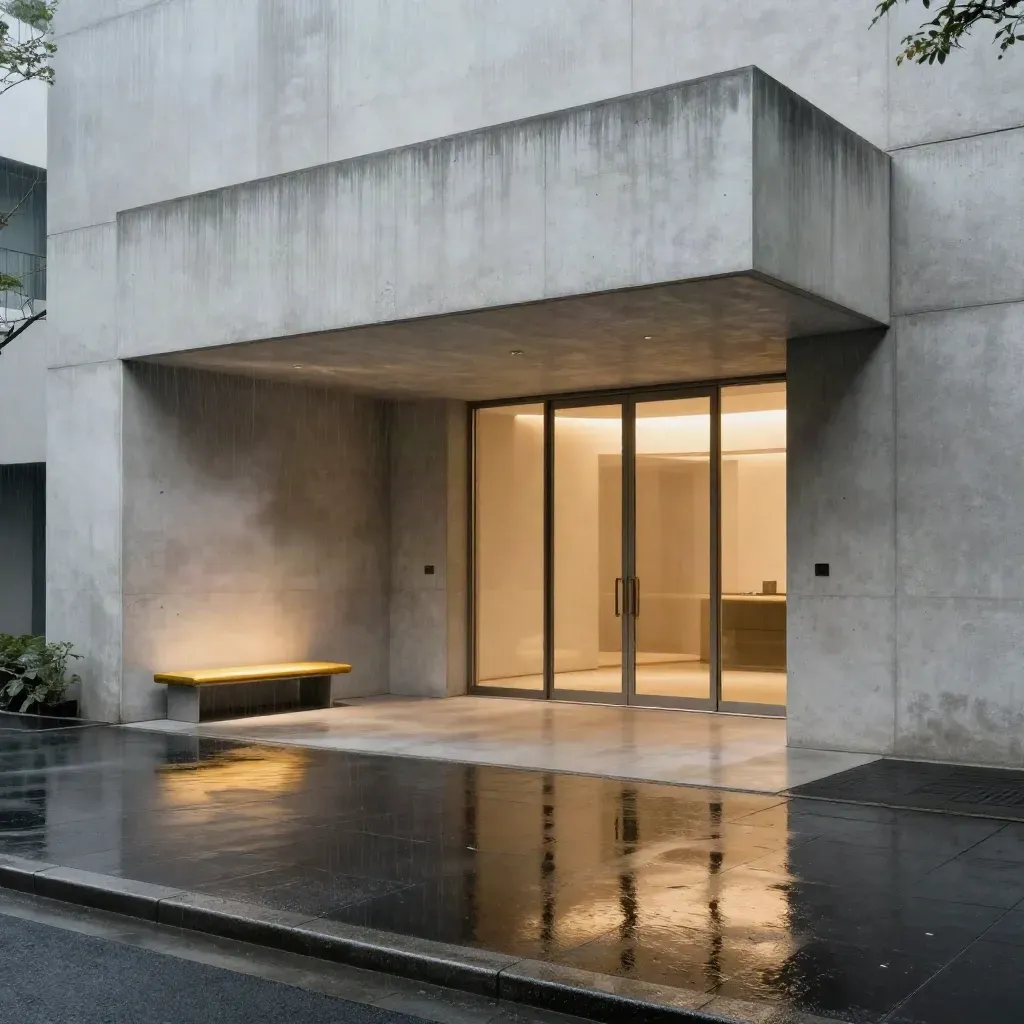
Top pick
Top pick

Weekend read
Weekend read
TOPIC CHANNELS
Short routes, show tips, and what to see first.
GUIDE
Short routes, show tips, and what to see first.

TRENDS
Dates, lineups, and city plans for busy weeks.
TIPS
Interviews, studio notes, and names to know.
GUIDE
Food halls, bookshops, galleries, and late hours.
cities covered
cities covered
articles and guides
articles and guides
event notes each year
event notes each year
Community
“Culture Mondo saves me time when I plan a museum day or a festival stop.”
Nina Park
travel editor at Atlas Seat
“The city lists are clear, short, and useful when I need ideas fast.”
Omar Bennett
audience lead at Frameline
“I like the mix of art news and event dates. It feels easy to read after work.”
Clara Mensah
museum member
MORE SPOTLIGHTS
Old streets, museums, and small stops that tell a city story.
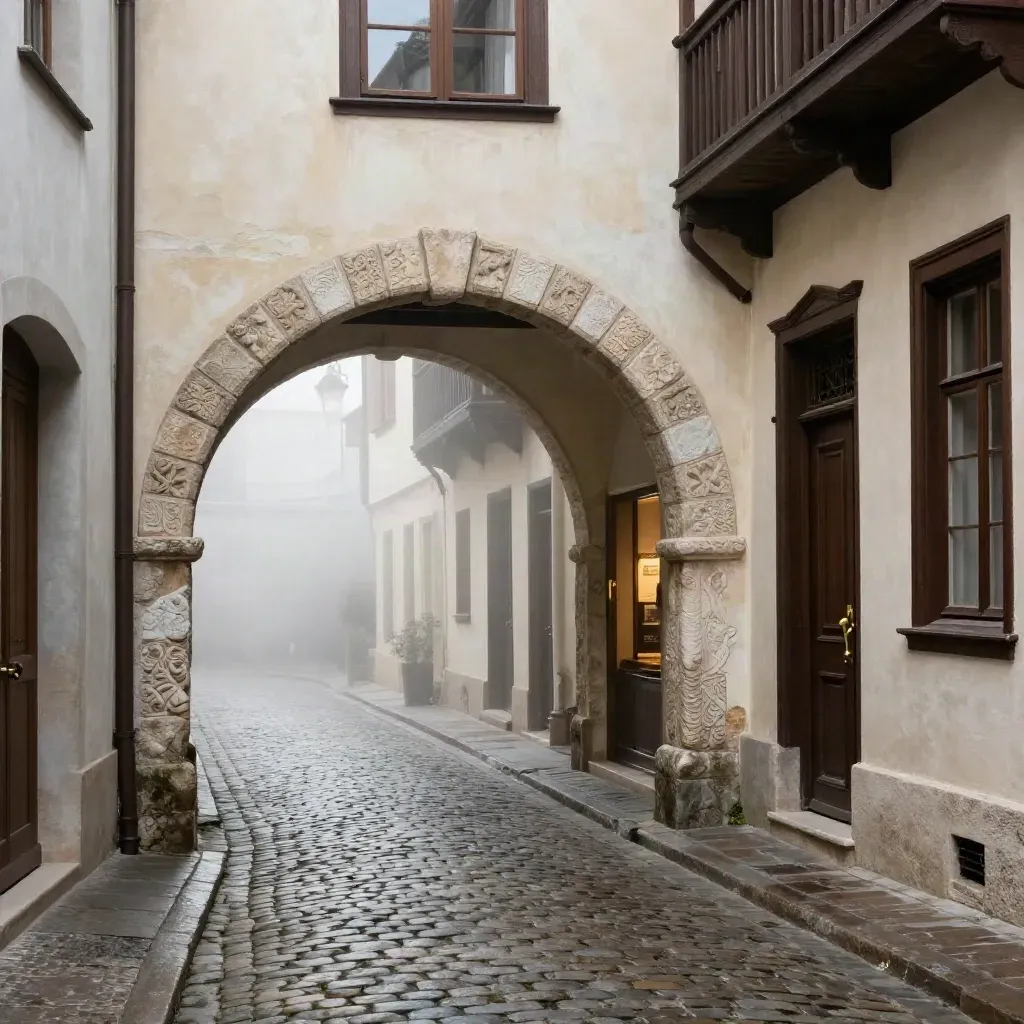
Spotlight
Old streets, museums, and small stops that tell a city story.
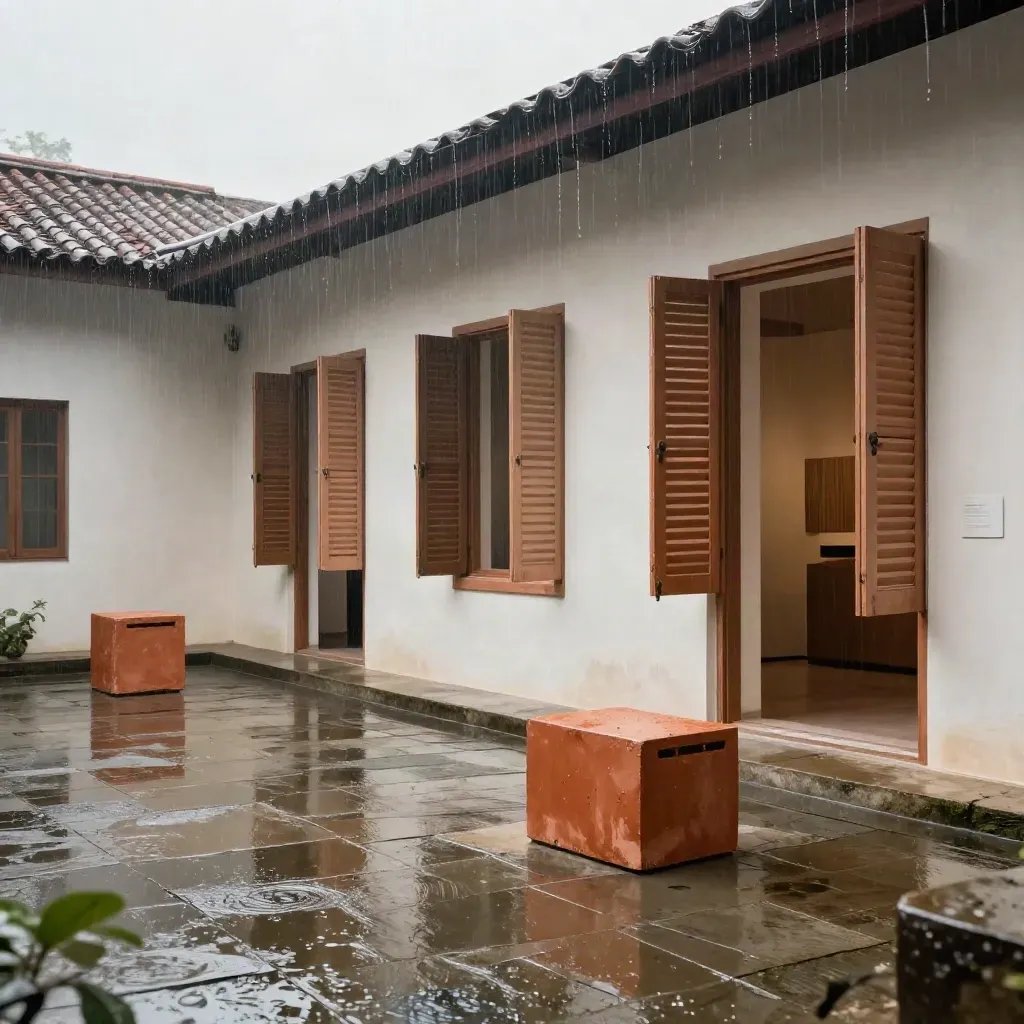
A fast guide to shows, talks, and gallery hours.
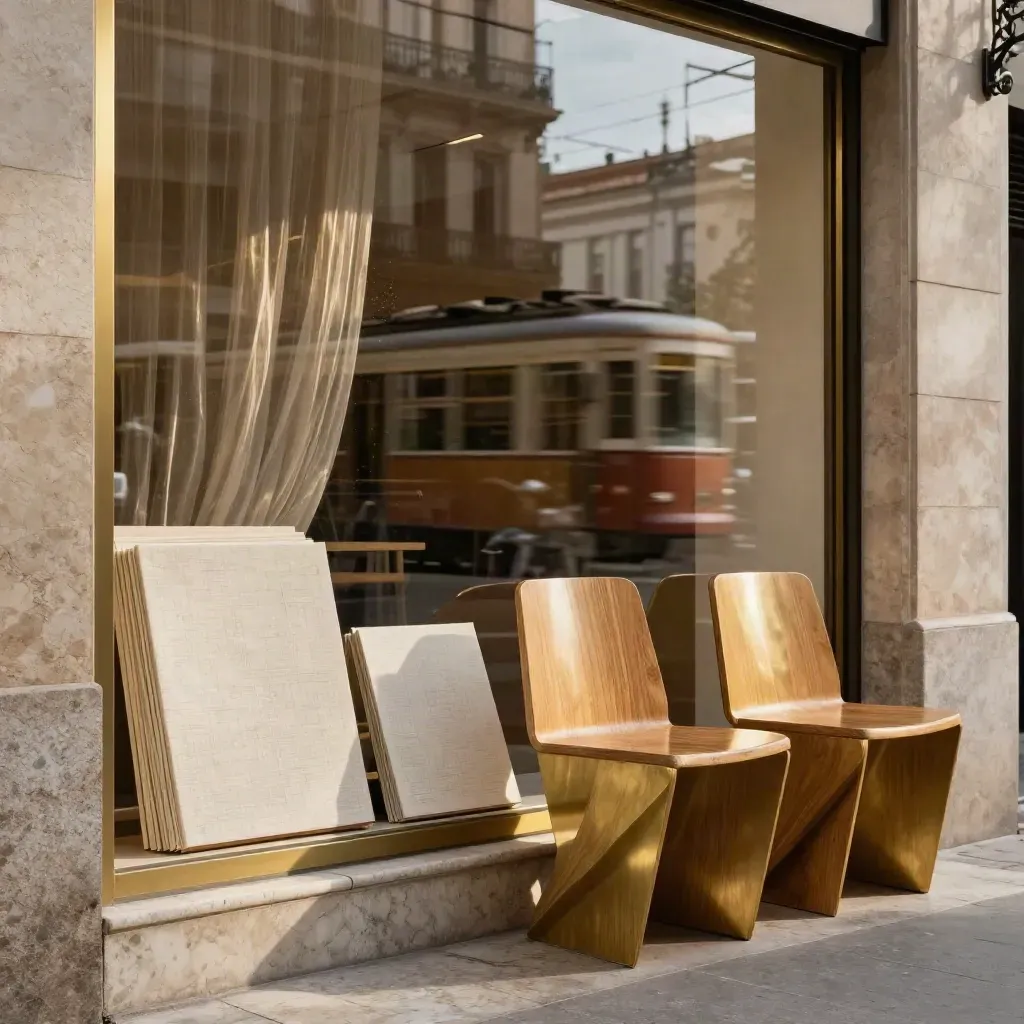
Where to see posters, prints, and craft work.
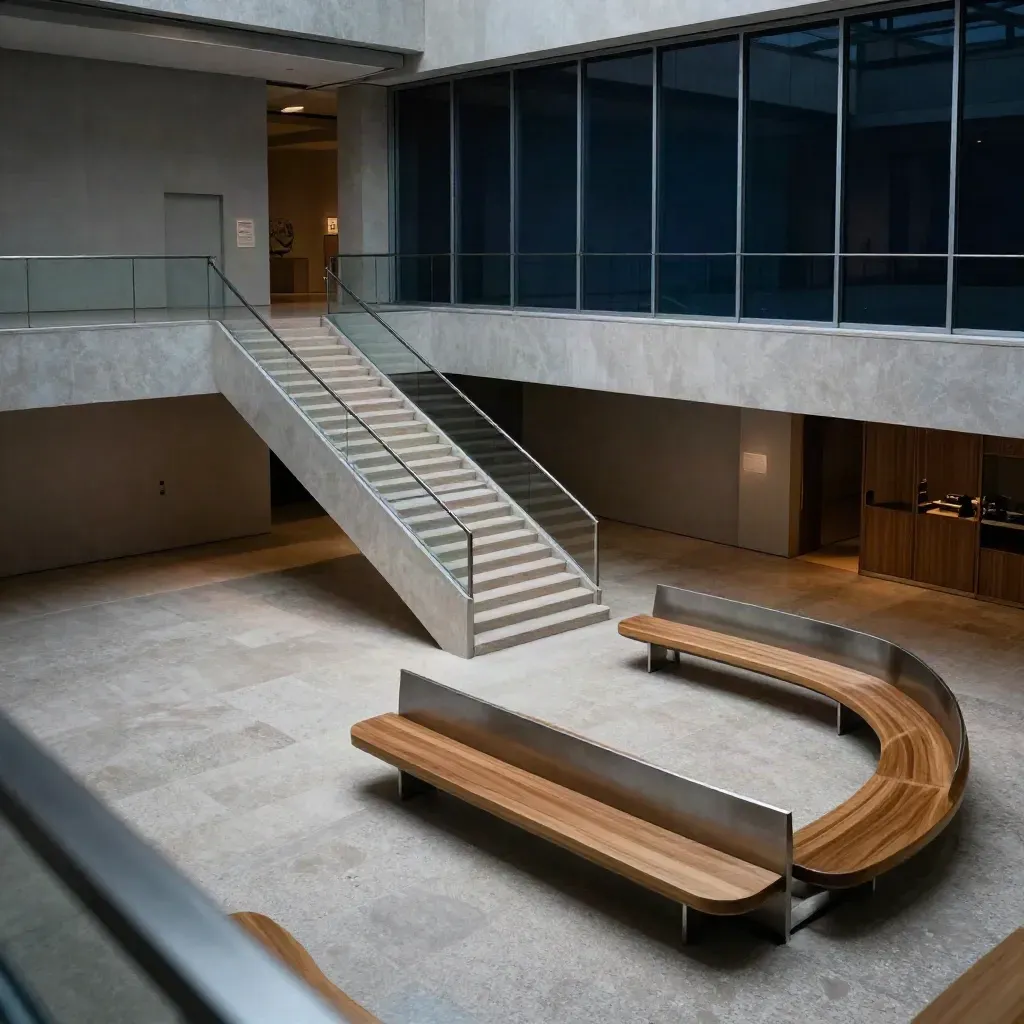
Night guide
Places with long hours, quiet rooms, and easy transit.
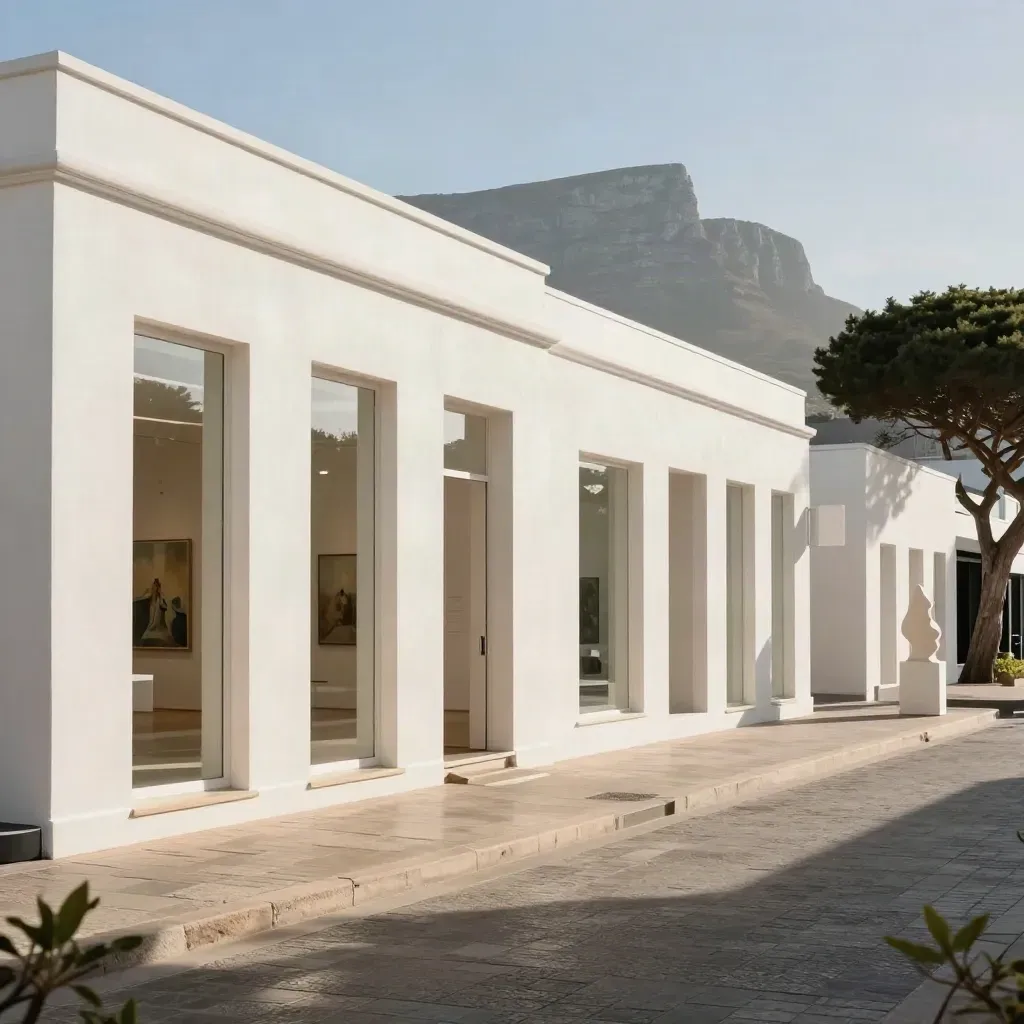
New shows and open doors across the city.
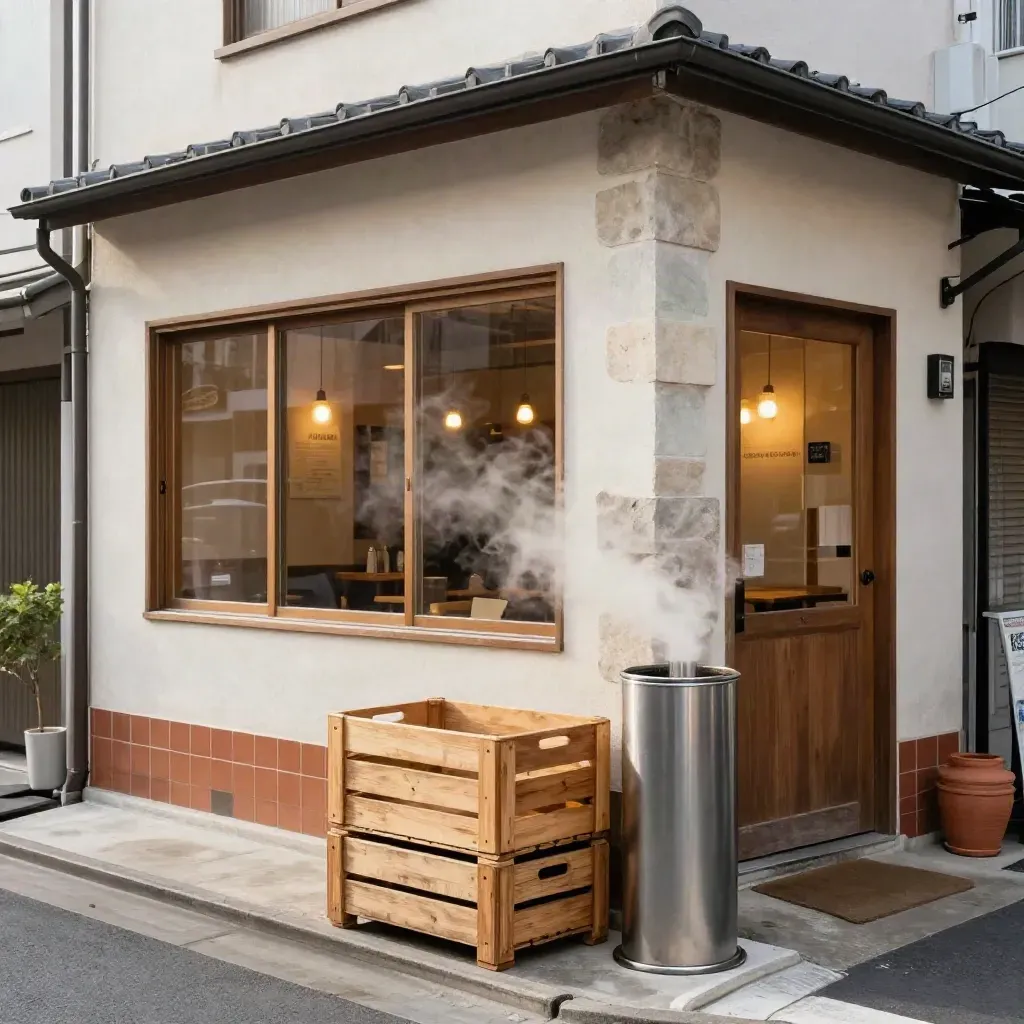
Markets, cafes, and small museums near each other.
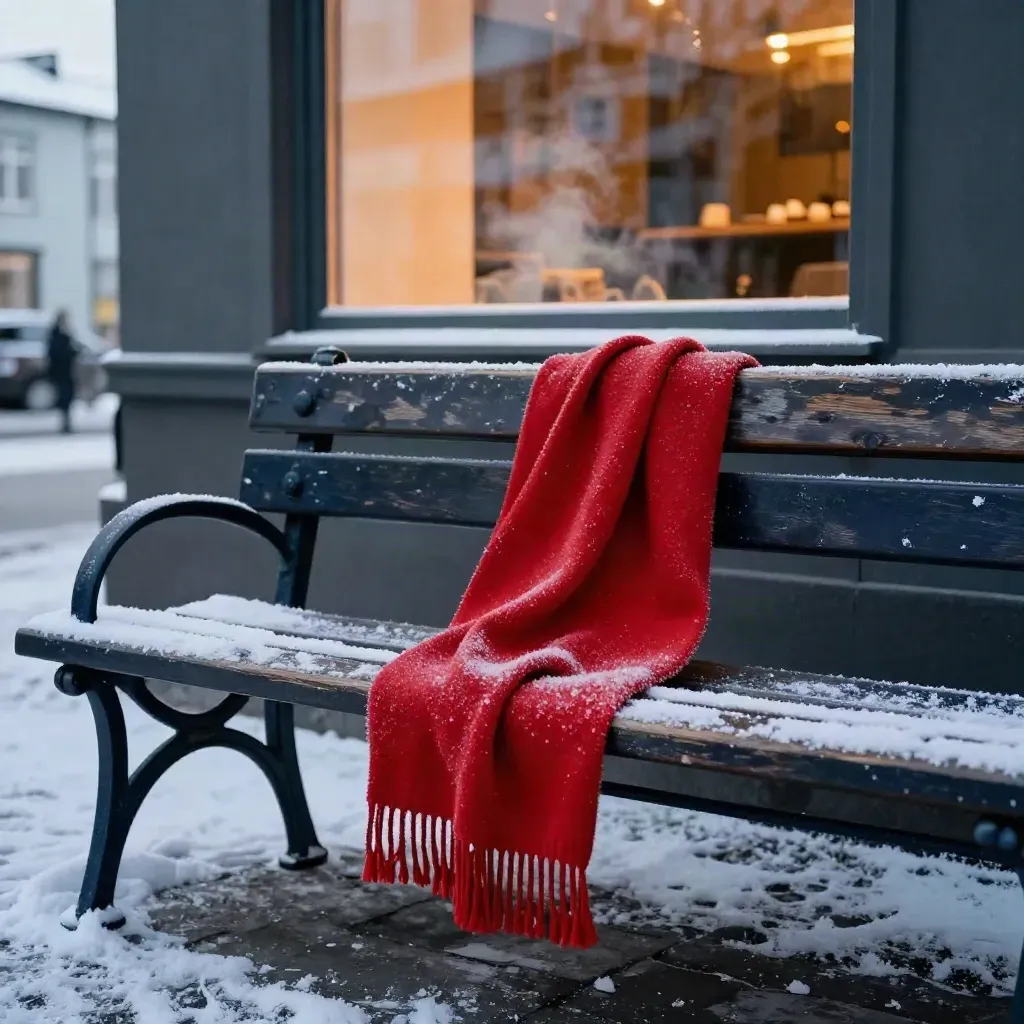
Cold season visits, hot drinks, and warm rooms.
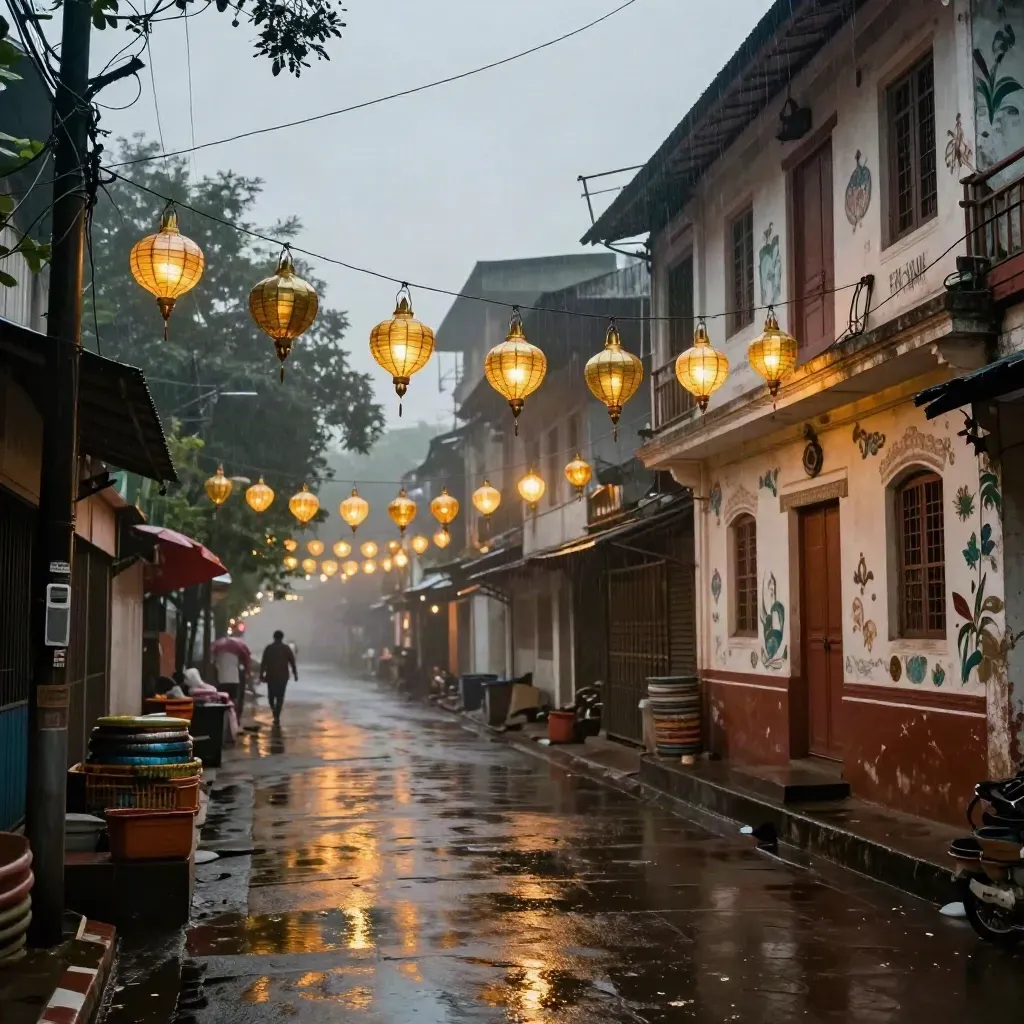
Music, dance, street food, and evening plans.
Questions
Quick answers before visitors choose a product, service, or next step.
We cover arts stories, museum and gallery guides, festival roundups, artist interviews, and city culture lists.
New posts and event notes appear each week, with fresh updates added when big shows and festivals open.
Yes. We group events by city and region so you can find what is on near you or where you plan to go.
Yes. Send a note to [email protected] with the event name, date, place, and a short link.
Yes. The weekly email is free and includes new reads, date picks, and a quick event list.
Yes. We post museum notes, gallery lists, and show reviews from many cities worldwide.
Get one short email each week with new guides, event picks, and story links from cities, museums, and festivals around the world.